
Traffic
How to Drive Traffic to Your Base44 Website With No Ad Budget
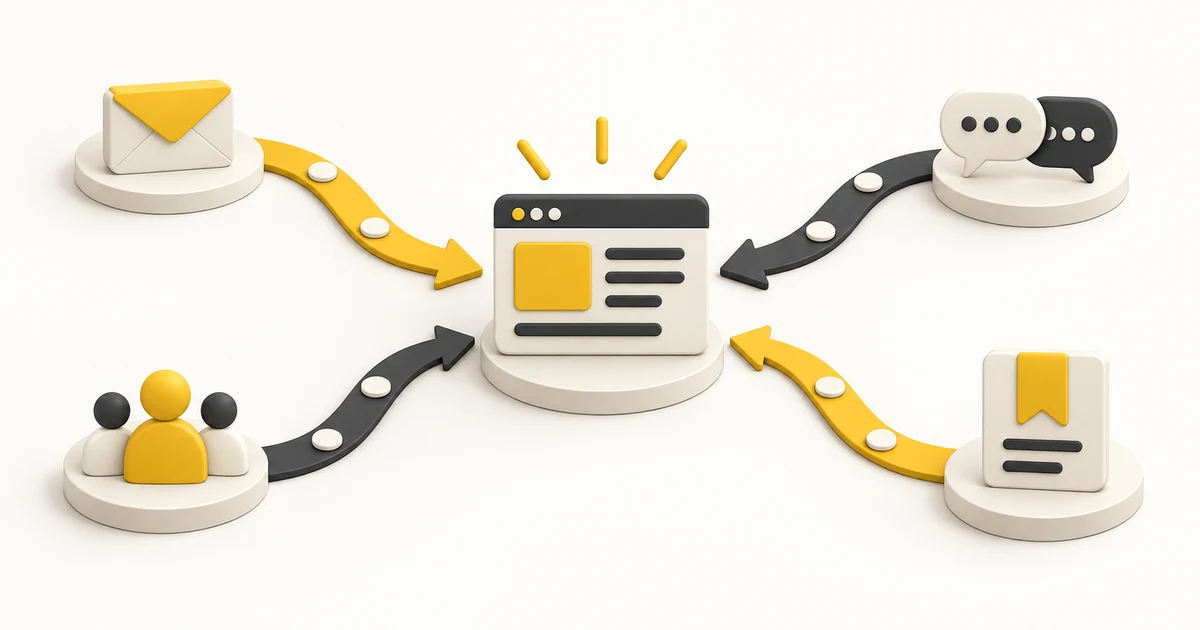
If you built a site or app with Base44 and cannot spend on ads, you still have options. They take more time than money. Here is where to put that time, in order, so the early effort pays off first.
Step 1: Make sure the site can be found
Give each page a clear title and a short description that says what the page is about. Use headings that match what people type into search. Check that your site is allowed to appear in search results and that a sitemap exists. A search engine and a visitor both need to understand the page quickly. Add a share image so links look good when someone posts them.
Set up a free analytics tool so you can see visits. Without it, you cannot tell what works.
Step 2: Write pages and posts that answer real questions
Make a list of the questions your customers ask before they buy. Write a page or a short post for each, with a plain answer. Over time these pages bring in visitors who are already looking for what you offer. Search takes weeks or months to build, so start now and keep going.
Step 3: Use your own network first
Tell friends, past clients, colleagues and anyone who has asked about your work. Send a short personal message with a link and one sentence about what the site offers. A small number of warm visits beats a large number of cold ones, and the first users give you feedback you need.
Step 4: Join conversations in communities
Find the forums, groups and channels where your customers ask questions. Answer them with real help. Add a link only when it helps, say that it is yours, and follow the rules of each place. A helpful profile that people recognize brings steady visits.
Step 5: Get listed
Directories and product boards bring in people who are browsing for something new. A good listing has a clear name, a one-line description, a screenshot and a link to your site. See Where to Post a New App So People Actually See It for how to choose.
Step 6: Ask for links from related sites
Contact partners, suppliers and people who write about your topic. Offer something useful, like a quote or a short guide, and ask if they would link to it. Do this one person at a time and keep each message short and specific.
Step 7: Share what you make on social platforms
Pick one or two platforms where your customers are, and post often enough to be remembered. Short stories, tips and behind-the-scenes updates work better than ads for small products. Reuse one idea in several forms: a post, a short video and a thread.
Step 8: Start an email list
Visitors who leave without buying are gone unless you can reach them again. Offer something small in exchange for an email address and send a useful note from time to time. How to Write a Welcome Email Sequence shows how to start.
Step 9: Keep score
Use a simple analytics tool and tagged links to see where visits come from, as described in How to Track Campaign Links. After a month, drop what is not working and do more of what is.
If traffic still does not come
Check the basics: is the site indexed, is it fast on a phone and does each page say clearly what it is? Why Isn't Your Website Getting Traffic? walks through a full check.
A free place to list
Listing your app on PLTFORM is free, and every product gets its own page. List your app on the PLTFORM Promotion Board